Why can't I dictate using the microphone button?
Last updated: May 12, 2026
If you're trying to use the microphone button to dictate your response (for the Overrule reason, for example), you'll need to enable microphone access on your browser.
Enable microphone on Chrome
- When first prompted, click Allow
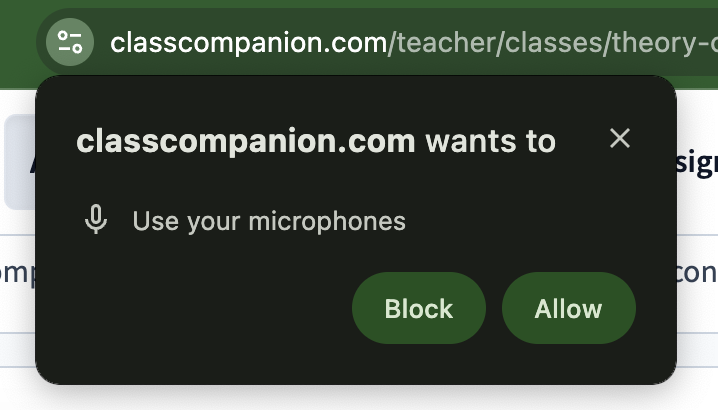
- If you don't see the above prompt, click the filter icon button to the left of the URL

- Click Microphone to ensure the toggle is on
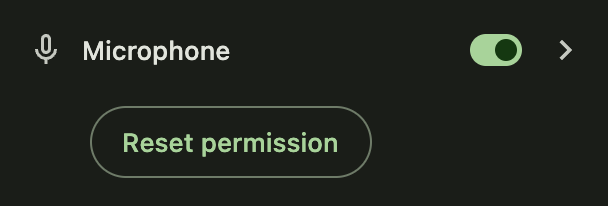
- Reload the page and you should be able to dictate your response!