How do I invite a co-teacher to a class?
Last updated: May 13, 2026
You can add as many co-teachers as you'd like to your classes on Class Companion. In order to invite a co-teacher to a class:
From your teacher dashboard , select the class
Select Settings at the top of the page
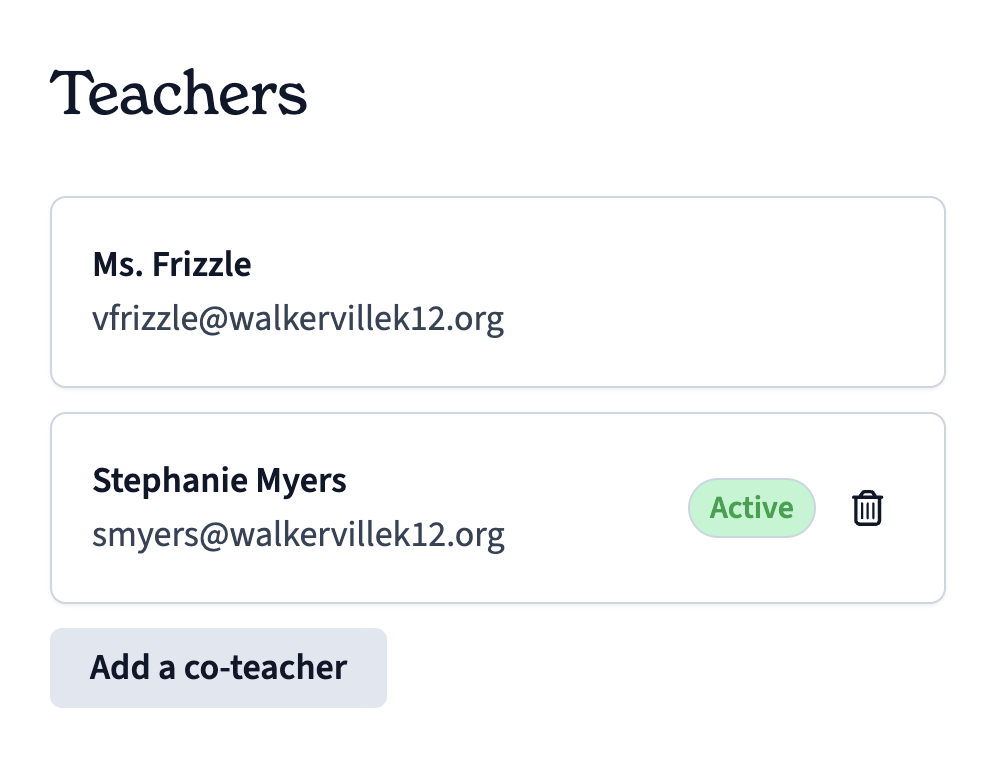
Scroll down and select Add a co-teacher
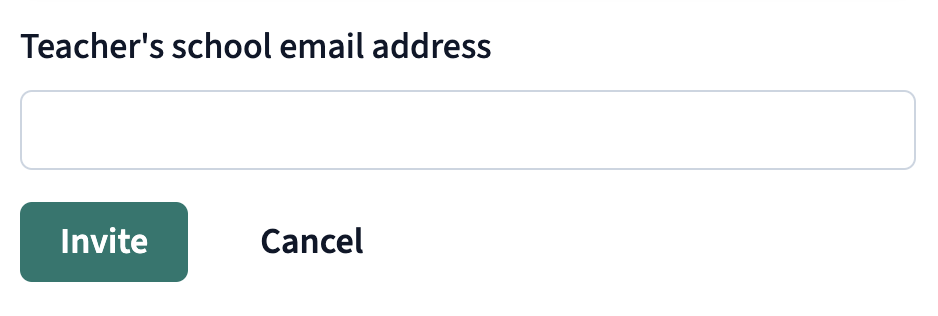
Enter the teacher's email address and click Invite
The invited teacher will receive an email to join the class.