Class Companion can still save teachers time grading without having to invite students. You can get feedback on students' assignments like so:
- Have your students complete an assignment as usual (e.g. using your LMS)
- Add the assignment to Class Companion (you can even add a custom rubric)
- From the class Assignments table, click Preview as student
- For essays you can more easily copy the feedback by clicking the Copy feedback button underneath the feedback on the right hand side
- Paste your student's response(s) to the question(s) and submit
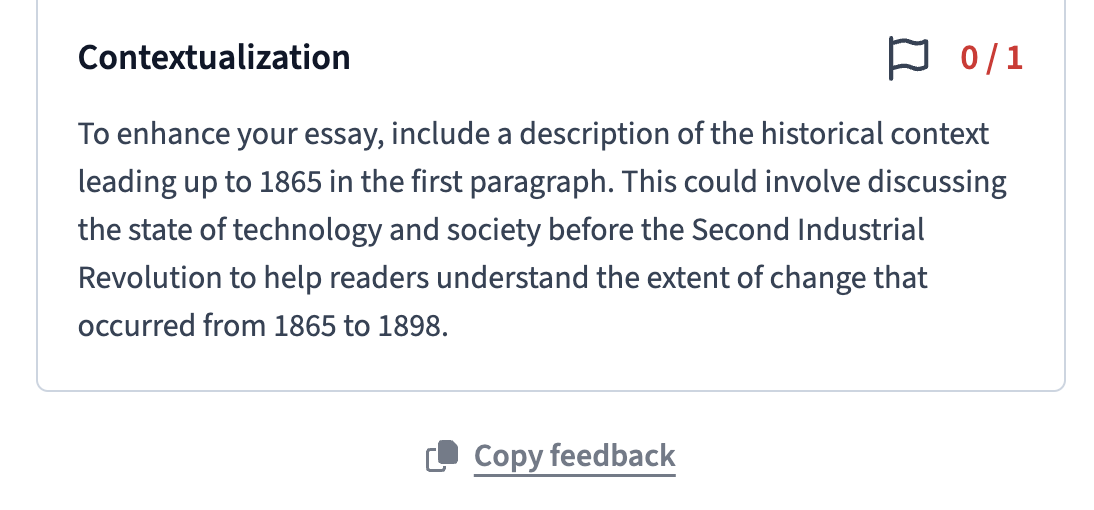
- Paste the feedback wherever you usually keep it (e.g. your LMS)
- Repeat for each student's assignment